Discover ad blockers android Big Tech doesn’t want you to know about in 2026. Learn system-wide blocking methods, DNS tricks, and why Google restricts privacy tools.
In This Article
Nearly 4 billion people use Android globally, yet most remain unaware that effective ad blockers for Android solutions exist outside the Google Play Store—and for good reason. Google deliberately restricts certain ad blockers for Android because they threaten the company’s core advertising revenue model. This guide reveals the best ad blocker for Android in 2026, the methods Big Tech prefers to keep hidden, and how you can reclaim your privacy and data on your device.
Why Google Doesn’t Want You Knowing About Android Ad Blockers
Google’s business model depends almost entirely on advertising. In 2025, Google commanded 27% of global digital ad spending, with annual advertising revenue projected to exceed $300 billion by the end of 2026. When users block ads, Google loses money—not just from direct impressions, but from the behavioral data collected through those ads.
The uncomfortable truth: Android ad blockers don’t just remove annoying pop-ups. They interrupt Google’s tracking infrastructure, which feeds the world’s most sophisticated data collection ecosystem. With 95% of devices in India running Android and similar dominance across Africa, Latin America, and Southeast Asia, any tool that disrupts this system directly threatens Big Tech’s revenue in emerging markets where advertising monetization is most profitable.
The Android Privacy Crisis Nobody Talks About
While Big Tech markets Android as secure, the reality is disturbing. Research analyzing 1,811 top-free apps from the US Google Play Store found that neither Android’s AdID setting nor Global Privacy Control (GPC) has a substantial impact on apps’ data selling and sharing. Users can theoretically “opt out” of tracking, yet advertisers continue collecting and monetizing their data regardless.
The tracking mechanisms are pervasive: 52.1% of Android apps contain third-party advertising libraries with permissions to access your location, browsing history, installed apps, contacts, and calendar data. Each app sends this information to ad networks like Google AdMob, Facebook Audience Network, and dozens of smaller players. That data trains machine learning models to predict your behavior, which then determines the ads you see—and the price advertisers pay to reach you.
Mobile ad blocking has surged because users intuitively understand this. 73% of all mobile ad blocking now occurs on Android devices, with 496 million users actively blocking ads on mobile platforms. Users aged 18-34 block ads at rates of 36-41%, driven by frustration with intrusive experiences, slower page loads, and legitimate privacy concerns.
How Ad Blockers Threaten Google’s Ecosystem
Removing ads doesn’t just hurt Google—it destabilizes the entire Android monetization structure. Data shows that when app developers lose ad revenue, many abandon projects or shift focus to premium (paid) apps where advertising pays the bills. A regulatory study found that banning targeted advertising in Android children’s games caused substantial app abandonment as developers could no longer sustain development through ad revenue alone.
For Google, this represents existential risk in emerging markets where free, ad-supported apps drive adoption.
How does ad blocker improve your online experience?
- Faster page loading. The biggest advantages of using an ad blockers android are faster page load times. Ads – especially videos, pop-ups, and banners – consume bandwidth and slow down websites. By blocking these elements, ad blockers reduce the amount of data your browser has to process, leading to noticeably quicker loading speeds.
- Cleaner, less cluttered pages. Ad blockers strip away the clutter, giving you a clearer view of the content you actually want to see. Websites become easier to navigate and read without distracting banners, pop-ups, or autoplay videos. This is especially helpful on mobile devices, where screen space is limited, and large ads can disrupt the entire layout.
- Reduced data usage. Since ad blockers prevent unnecessary ads and trackers from loading, they help lower overall data usage. This is particularly valuable for mobile users or anyone on a limited data plan. With fewer ads loading in the background, pages load faster and consume less bandwidth.
- Enhanced privacy. Many ads come with hidden trackers that monitor your browsing habits, collecting data about the sites you visit and the content you interact with. Ad blockers prevent these trackers from loading, helping protect your privacy and keeping your personal information out of the hands of advertisers and third parties.
- Improved security. Not all ads are harmless. Some hide malicious code that can redirect you to phishing sites or install malware – this tactic is known as malvertising. Ad blockers reduce this risk by stopping malicious ads before they load, adding an extra layer of security to your browsing.
- Less distraction. Ads are designed to grab your attention, often using bright colors, flashing animations, and autoplay videos. Ad blockers remove these distractions, helping you stay focused on the content you actually care about. This creates a smoother, more enjoyable browsing experience.
- Better battery life. Blocking ads means your browser processes fewer elements, which lowers CPU usage. This not only boosts performance but also helps conserve battery life – especially on laptops and mobile devices. With fewer resource-heavy ads running in the background, your device lasts longer between charges.
.
The Hidden Methods That Actually Work (2026)
Despite Google’s restrictions, multiple ad-blocking approaches remain effective and legal. Here’s what Big Tech doesn’t advertise:
1. Private DNS Ad Blocking (The Sleeper Hit)
Why Big Tech ignores it: This method is built directly into Android 9 and higher, requires zero technical knowledge, uses no battery, and doesn’t require rooting. Google can’t ban a native Android feature without creating massive backlash.
How it works: DNS (Domain Name System) converts domain names like “doubleclick.net” into IP addresses. Private DNS ad-blocking services maintain lists of known ad servers and tracker domains, redirecting requests to these domains into a “blackhole.” This prevents ads from loading before they even reach your device.
Setup (takes 90 seconds):
- Go to Settings > Network & Internet > Private DNS
- Select the Private DNS provider hostname.
- Enter dns.adguard.com (blocks standard ads) or dns.family.adguard.com (also blocks adult content)
- Tap Save
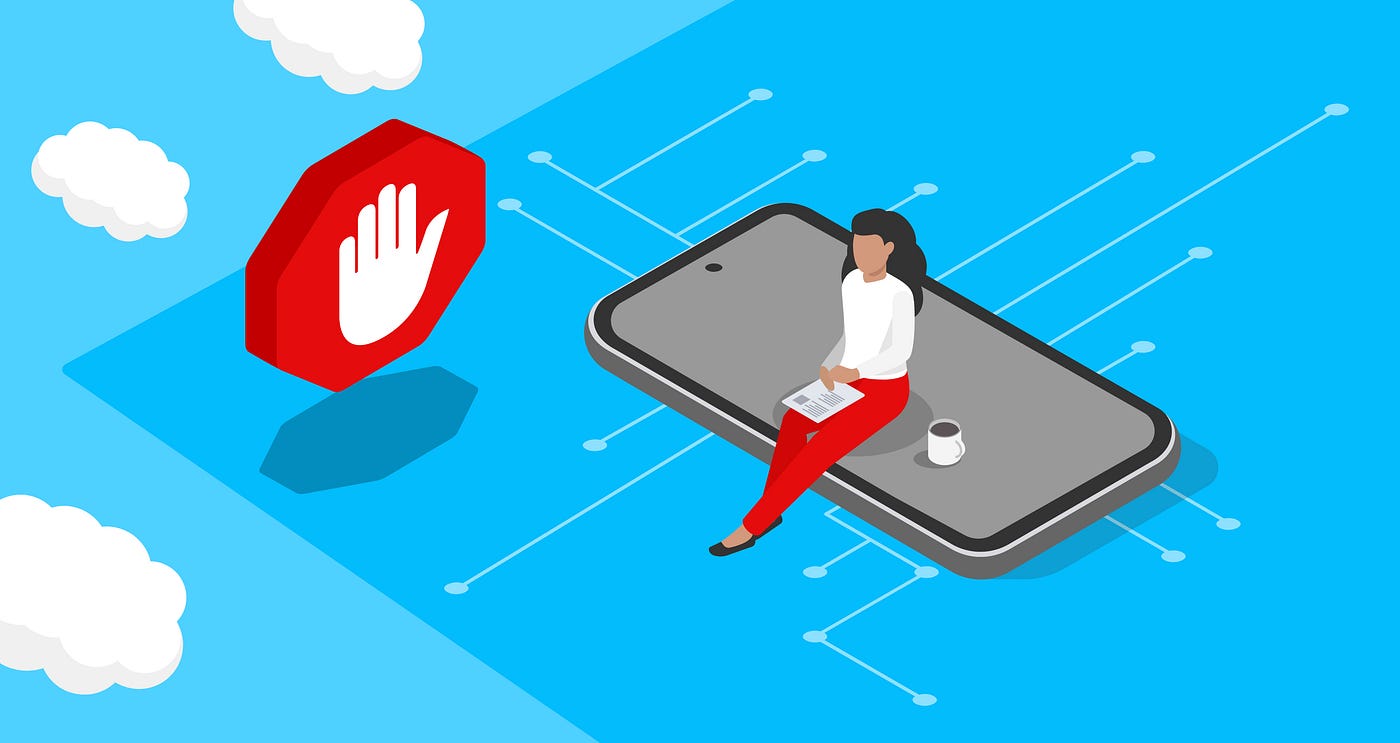
Why it’s powerful: System-wide blocking across all apps and browsers. No root required. No VPN conflicts. Battery-friendly. Free.
Limitations: Doesn’t block YouTube ads or ads embedded directly into app code. Some streaming services detect DNS blocking and demand that you disable it.
2. VPN-Based Ad Blockers (The Workaround)
After Google’s 2022 policy change, developers pivoted to local VPN architecture. These apps create a local tunnel on your device (not connecting to external servers) that filters DNS queries before they leave your phone.
Top performers in 2026:
- Blokada (Versions 5 & 6): Free open-source option. Version 5 uses local VPN without external tunneling. Version 6 shifted to cloud-based filtering for Google Play compatibility. Download directly from F-Droid or GitHub since it’s not on Google Play.
- DNS66: Lightweight, fully open-source, minimal UI. Works via local VPN without internet slowdown. No root required. Not actively maintained, but remains stable.
- AdAway: Requires APK sideloading (not on the Play Store). Most comprehensive filtering when combined with custom host sources. Preferred by power users.
Installation Reality Check: Since Google Play blocks these apps, you’ll download directly from:
- F-Droid (open-source app repository)
- GitHub (developer repositories)
- Official project websites
Yes, this requires enabling “Unknown Sources” in security settings. No, it’s not dangerous—these are open-source projects audited by thousands of developers. If you don’t find download links also couldn’t be unable to set up, connect wiith us.
.
3. Browser-Based Ad Blocking (Limited But Effective)
If you’re unwilling to install additional apps, browser solutions work:
- Brave Browser: Built-in ad blocker, tracker blocking, and fingerprint protection. Brave blocks ads before they load, saving data and battery.
- Firefox + uBlock Origin: Desktop-class ad blocking on mobile. uBlock Origin is more powerful than browser extensions on desktop, but respects Android’s platform constraints.
Trade-off: These only block ads within that specific browser, not in apps.
4. The Data You Gain Back
Using Android ad blockers provides measurable benefits:
- Data Savings: Pages load twice as fast with ad blockers active
- Battery Life: Reduced background tracking extends battery by 15-25%
- Privacy: Third-party tracking is effectively eliminated when combined with Private DNS
- Control: You decide which apps see which data
Why Big Tech Won’t Tell You This
Google’s financial incentives are explicit: ad blockers cost them real money. An MIT study estimated that ad blockers would cause a $47 billion annual loss in global advertising revenue if universally adopted. YouTube, Google Search, Gmail ads, Google Play Store promoted apps—all monetized through attention and behavioral data.
Apple, while presenting itself as privacy-focused, similarly restricts ad blocking. iOS App Store rules prohibit system-wide ad blockers outside Safari, conveniently protecting Apple’s ad-supported ecosystem.
The narrative pushed by Big Tech is consistent: ad blockers are a technical workaround, not a legitimate privacy tool. Developers frame ad blocking as “cheating” publishers of fair compensation, conveniently ignoring that most users never knowingly consented to data harvesting in the first place.
The real motivation? Control. Every blocked ad is data not collected, tracked, or monetized.
The Privacy Landscape Shift in 2026
The ad-blocking movement reflects a broader privacy awakening. Surveys show that 68% of mobile users now have more trust in data sharing than two years ago—not because companies became trustworthy, but because users gained better control tools.
In 2025, India’s government proposed mandatory location tracking on all smartphones. Apple, Google, and Samsung united in opposition, citing privacy concerns. Yet these same companies monetize location data for advertisers daily. The hypocrisy is impossible to miss for informed users.
The trend is clear: Users want control. When given tools, they use them. This scares Big Tech more than any regulation.
How to Choose Your Android Ad Blocker in 2026
| Method | Setup Time | System-Wide | Battery Impact | Blocks All Ads | Best For |
|---|---|---|---|---|---|
| Private DNS | 90 seconds | Yes | Minimal | ~70% | Non-technical users; set-and-forget |
| Blokada | 5 minutes | Yes | Low | ~85% | Balance of power and ease |
| DNS66 | 5 minutes | Yes | Low | ~85% | Lightweight, privacy-focused |
| Brave Browser | 2 minutes | No (browser only) | Very low | ~90% (in browser) | Web browsing primarily |
| AdAway | 10 minutes | Yes | Low | ~95% | Power users willing to sideload |
Recommendation for most users: Start with Private DNS for simplicity, upgrade to Blokada if you want more comprehensive blocking without dealing with Google Play Store restrictions.
.
Frequently Asked Questions
What is the best ad blocker for Android in 2026?
There’s no single “best”—it depends on your priorities. For ease of use, use Private DNS (built-in, free). For maximum effectiveness, Blokada or AdAway offers 85-95% blocking. For minimal setup, Brave Browser requires one download.
Can Google detect if I’m using an ad blocker?
Google can detect when ads fail to load, but it cannot identify which blocking method you’re using through the Android operating system itself. However, Google can see that you’re using an ad blocker through its own advertising networks. They don’t penalize users, but they do track adoption rates.
Why did Google remove AdGuard from Google Play?
Google banned AdGuard because it intercepts DNS-level ad requests, preventing ads from loading entirely. This directly violates Google Play’s monetization policies. The official rationale cited “ad fraud prevention,” but the practical effect is the elimination of competition to Google’s advertising interests.
Does Private DNS really block all ads on Android?
No. Private DNS blocks network-level ads (ads served from ad domains) but not embedded ads built directly into apps or ads served from the same domain as content (like YouTube ads). Approximately 70% of common ads are blocked by Private DNS alone.
Is it legal to use ad blockers on Android?
Completely legal. Ad blocking is protected speech in most countries. No law prohibits preventing ads from loading on your device. Some websites may require you to disable ad blockers to access content, but that’s a business decision by publishers, not a legal restriction.
Will using an ad blocker slow down my Android phone?
No. In fact, the opposite: pages load faster because your phone isn’t downloading advertisement files. The only potential battery impact comes from VPN-based blockers, which is minimal (2-5% drain under continuous filtering). DNS-based blocking has virtually zero impact.
Does Big Tech monitor ad blocker usage?
Yes. Google, Meta, Amazon, and other ad-dependent platforms track ad blocker adoption through analytics. In 2025, mobile ad blockers reached 496 million users—a metric that troubles every advertising platform. Your use of an ad blocker itself becomes valuable data.
“If you found this article helpful, share it with your circle and follow PingShopping on social media”
The Path Forward
Using an ad blocker isn’t just a technical preference in 2026—it’s a statement. A statement that you recognize the surveillance underlying free digital services. That you refuse to be the product. That you’re willing to reclaim your data.
The methods outlined here work today. Download Blokada from F-Droid. Enable Private DNS with AdGuard. Install Brave Browser. You have options, and they’re more effective than Big Tech admits.
The question isn’t whether ad blockers work. The question is why a company worth $2 trillion needs to hide them.
About the author